36 Shades of Terminal: Why Random Kitty Themes Make Work Better
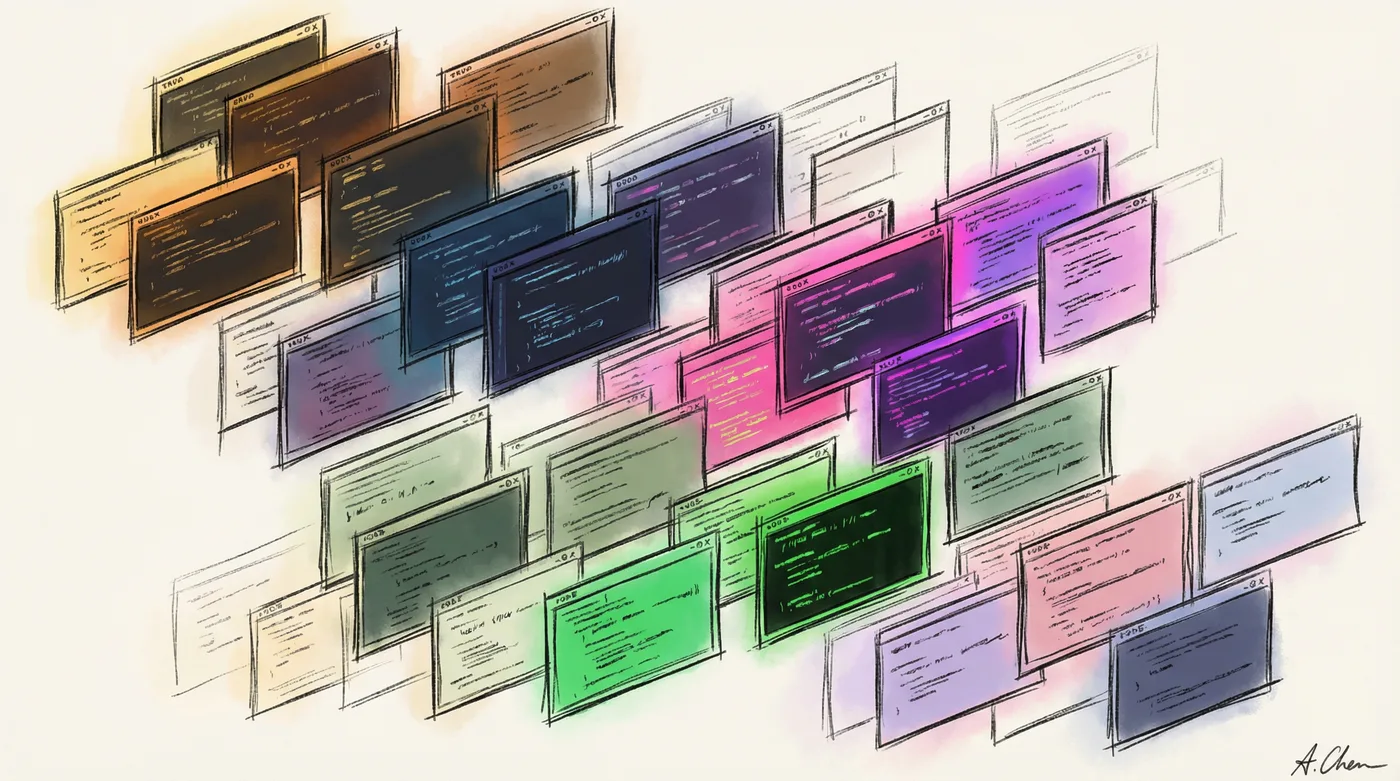
Every time I open a terminal, I get a surprise.
Maybe it’s the warm amber of Gruvbox. Maybe it’s the neon punch of Synthwave ‘84. Maybe it’s the deep ocean blues of Kanagawa.
I don’t choose. The system chooses for me.
Why Random?
Terminal work can be monotonous. Same commands, same workflows, same walls of text.
But when every session has a different aesthetic? Something shifts. The work feels fresh. You notice things differently. Your environment is alive.
It’s a tiny thing. It costs nothing. And it makes hours of terminal work just a little more pleasant.
The Setup (NixOS/Home Manager)
I maintain a curated list of 36 themes in my kitty.nix. All dark, all readable, all tested for contrast. No broken blues in ncurses apps.
The magic happens in three parts:
1. Theme definitions — each theme as a Nix attribute:
themes = {
  gruvbox-dark = ''
    background              #282828
    foreground              #ebdbb2
    # ... full color definitions
  '';
  tokyo-night = ''
    background              #1a1b26
    foreground              #c0caf5
    # ...
  '';
  # ... 34 more themes
};
2. A random selector script:
#!/usr/bin/env bash
THEMES_DIR="$HOME/.config/kitty/themes"
THEME_FILES=("$THEMES_DIR"/*.conf)
RANDOM_THEME="${THEME_FILES[RANDOM % ${#THEME_FILES[@]}]}"
cp "$RANDOM_THEME" "$HOME/.config/kitty/current-theme.conf"
3. A wrapper that runs selection before launch:
#!/usr/bin/env bash
kitty-random-theme >/dev/null 2>&1
exec kitty --single-instance=no "$@"
Kitty’s config just includes the generated file:
include current-theme.conf
Home Manager handles installing themes to ~/.config/kitty/themes/ and ensuring the current-theme file stays writable between activations.
The Setup (Traditional Linux)
No Nix? No problem. Same principle, fewer abstractions.
1. Create a themes directory:
mkdir -p ~/.config/kitty/themes
2. Download themes (or create your own .conf files):
# Kitty has a built-in theme browser
kitty +kitten themes

# Or grab theme files from:
# https://github.com/kovidgoyal/kitty-themes
3. Create the selector script at ~/.local/bin/kitty-random-theme:
#!/usr/bin/env bash
THEMES_DIR="$HOME/.config/kitty/themes"
CURRENT="$HOME/.config/kitty/current-theme.conf"
THEME_FILES=("$THEMES_DIR"/*.conf)
cp "${THEME_FILES[RANDOM % ${#THEME_FILES[@]}]}" "$CURRENT"
4. Add to your kitty.conf:
include current-theme.conf
5. Create a launcher (or add to shell rc):
# Option A: wrapper script
alias kitty='kitty-random-theme && command kitty'

# Option B: add to .bashrc/.zshrc
kitty-random-theme 2>/dev/null
That’s it. Every new terminal, new vibes.
The Pleasure of Variety
I’ve been running this setup for months now. Some observations:
- Certain themes trigger different moods. Matrix green for late-night hacking. Catppuccin for gentle morning work.
- You develop favorites you never would have found. I didn’t know I liked Everforest until randomness handed it to me.
- It breaks monotony. 8 hours of terminal work feels less same-y when the canvas keeps changing.
- It’s just… nice. Not everything needs a productivity justification. Some things are just pleasant.
Curation Matters
I curate the theme pool. No light themes (eye strain). No low-contrast themes (readability). No broken color schemes that make ls output unreadable.
36 themes might sound like a lot, but each one is vetted. Every theme in the rotation brings something worth seeing.
Try It
If you spend significant time in a terminal, give random theming a shot for a week.
The variety is surprisingly refreshing.
And when Synthwave ‘84’s neon pink greets you on a gray Monday morning? That’s a tiny moment of joy.
Worth more than you’d expect.
The full Nix configuration lives in my nix-config repo if you want the complete setup.